Creating a cozy and productive home office is essential for anyone working remotely or managing tasks from home. A thoughtfully arranged workspace can improve focus, reduce stress, and make your workday more enjoyable. Whether you have a dedicated room or a small corner, these tips will help you build a comfortable and efficient office environment.
Choose the Right Location
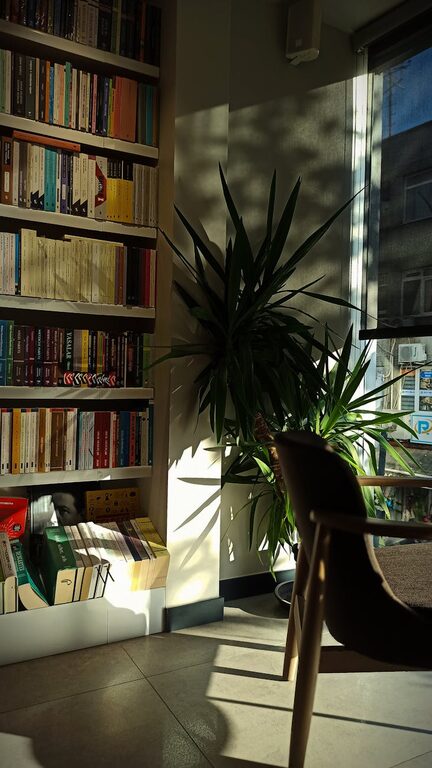
Prioritize natural light
If possible, set up your workspace near a window. Natural light can uplift your mood and reduce eye strain. Position your desk in a way that minimizes glare on your screen while still letting in daylight.
Consider noise and distractions
Look for a quiet area where household noises are limited. Avoid spaces near busy rooms like the kitchen or living room to maintain concentration during work hours.
Invest in Comfortable Furniture
Choose an ergonomic chair
A supportive chair is key to preventing discomfort and long-term health issues. Look for adjustable height, lumbar support, and cushioning to keep good posture throughout the day.
Opt for a practical desk
Select a desk that fits your space and meets your work needs. It should be large enough for your computer, documents, and other essentials without feeling cramped.
Organize for Efficiency
Declutter your workspace
Keep only the necessary items on your desk. A clean space helps reduce distractions and makes it easier to focus on your work.
Use storage solutions
Shelves, drawers, and organizers can keep supplies tidy and accessible. Label containers or files to quickly find what you need.
Personalize Your Space
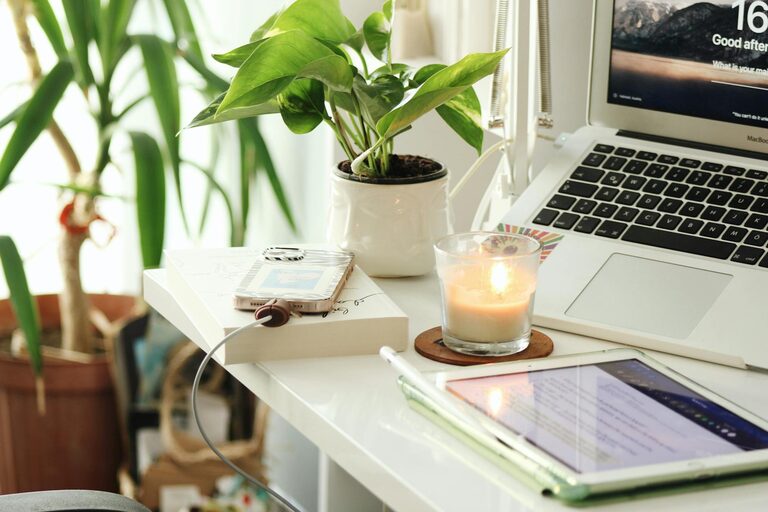
Add plants
Indoor plants not only add a touch of nature but also improve air quality and create a calming atmosphere.
Display inspiring items
Photos, artwork, or motivational quotes can make your office feel inviting and encourage positivity during your workday.
Optimize Lighting
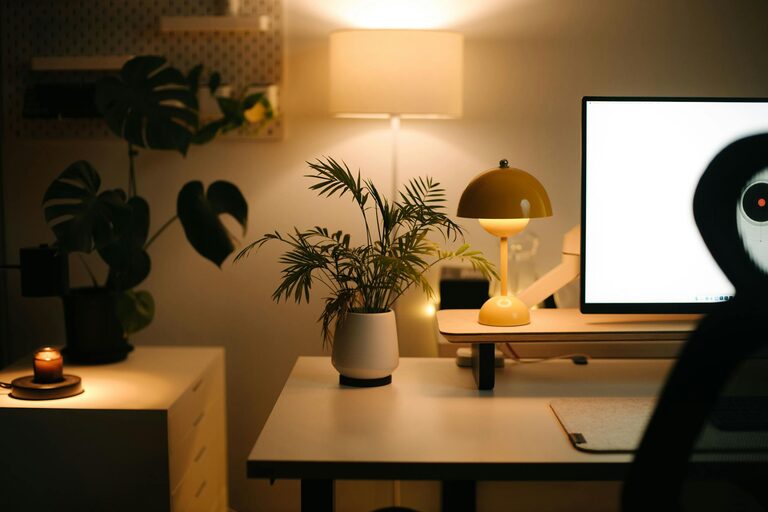
Combine natural and artificial light
Use task lighting like a desk lamp for focused work, especially during evenings or cloudy days. Choose bulbs that mimic daylight to reduce eye strain.
Avoid harsh lighting
Avoid overly bright or flickering lights that can cause headaches or fatigue. Adjustable lighting options allow you to customize the brightness.
Manage Technology Wisely
Set up reliable internet and equipment
Ensure your internet connectivity is stable and fast enough to support your work activities. Invest in quality accessories like keyboards, mice, and monitors for comfort and efficiency.
Keep cables organized
Use cable ties or clips to prevent tangles and maintain a neat workspace.
Establish a Routine
Separate work and relaxation
Design your office so that it signals “work mode.” Avoid working from the couch or bed to maintain professional habits.
Take regular breaks
Incorporate short breaks to stretch, hydrate, and rest your eyes. This helps sustain productivity and reduces burnout.
Control Temperature and Air Quality
Maintain a comfortable temperature
A room that is too hot or too cold can distract you. Use fans, heaters, or air conditioning as needed to keep the environment comfortable.
Ensure proper ventilation
Fresh air is important for alertness and comfort. Open windows when possible or use air purifiers to improve indoor air quality.
Reduce Noise and Improve Acoustics
Use noise-canceling options
Headphones or white noise machines can help block distracting sounds.
Soften sounds with textiles
Rugs, curtains, and cushions absorb sound and create a quieter workspace.
—
By combining these elements, you can create a home office that feels inviting and enhances your ability to work effectively. Remember, the best workspace reflects your personal preferences while supporting your professional needs. Start small, and gradually adjust your environment to find what works best for you.