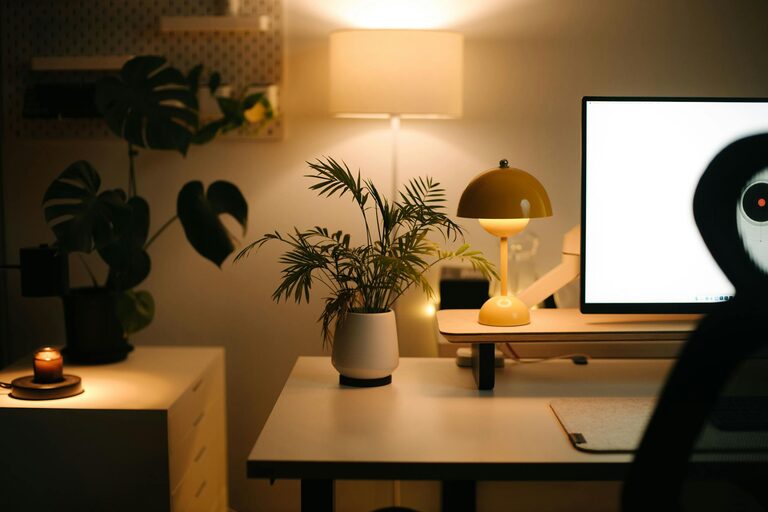
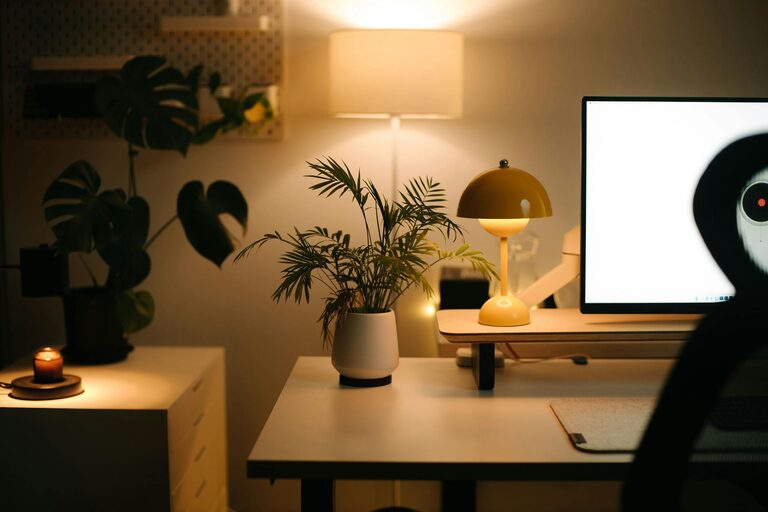
Creating a home workspace that feels both cozy and productive is essential for anyone who spends significant time working from home. A well-designed environment can improve focus, reduce stress, and make your workday more enjoyable. Whether you have a dedicated room or just a corner of your living space, these tips will help you set up an ideal workspace tailored to your needs.
1. Choose the Right Location
Finding the right spot in your home to set up your workspace is the first step. Consider the following:
– Natural light: Position your desk near a window if possible. Natural light improves mood and reduces eye strain.
– Quietness: Pick a spot away from high-traffic areas or noisy appliances to minimize distractions.
– Space: Ensure there is enough room for your desk, chair, and any essential equipment without feeling cramped.
2. Invest in Ergonomic Furniture
Comfort is key when you spend long hours working at a desk. Here’s what to focus on:
– Chair: Select an ergonomic chair that supports your back and encourages good posture. Adjustable height and lumbar support are important features.
– Desk: Choose a desk at the right height for your work habits. Consider a standing desk or an adjustable desk if you want to alternate between sitting and standing.
– Monitor placement: Position your computer screen at eye level to reduce neck strain.
3. Keep Your Workspace Organized
A clutter-free workspace helps maintain focus and reduces stress. Try these tips:
– Storage solutions: Use shelves, drawers, or organizers to keep documents and supplies tidy.
– Cable management: Use clips or boxes to keep cords neat and prevent tangles.
– Regular cleaning: Set aside a few minutes each day to tidy your desk.
4. Add Personal Touches
Personalizing your workspace can make it more inviting and inspiring:
– Decor: Include artwork, plants, or photos that make you feel relaxed and motivated.
– Colors: Choose calming or uplifting colors. For example, blues and greens are known to promote calmness.
– Lighting: Use desk lamps with adjustable brightness to create a warm ambiance, especially during darker hours.
5. Minimize Distractions
Keeping distractions to a minimum is essential for productivity:
– Noise control: Use noise-cancelling headphones or play background music if it helps you concentrate.
– Digital boundaries: Turn off non-essential notifications and consider apps that block distracting websites during work hours.
6. Create a Daily Routine
Establishing a routine can help you get into a productive mindset:
– Set work hours: Stick to specific start and end times to maintain work-life balance.
– Breaks: Take regular short breaks to stretch, hydrate, and rest your eyes.
– Workspace rituals: Begin your day by tidying your desk or reviewing your to-do list to focus your priorities.
7. Use Technology Wisely
Leverage technology to keep your workflow smooth:
– Organizational apps: Use tools like calendars, task managers, or note-taking apps to keep track of deadlines and ideas.
– Good internet connection: Ensure your workspace has a reliable and fast internet connection to avoid frustration.
– Backup data: Regularly back up important work files to prevent data loss.
8. Incorporate Comfort Elements
Making your workspace cozy encourages longer, more pleasant work periods:
– Comfortable temperature: Use fans, heaters, or air purifiers to maintain a comfortable environment.
– Soft textiles: Add a cushion or a cozy blanket for added comfort during colder days.
– Refreshments: Keep a water bottle and perhaps some healthy snacks nearby to stay hydrated and energized.
—
Creating a home workspace that balances comfort and efficiency is a personal journey. Experiment with these tips and adjust based on what helps you focus and feel comfortable. A well-designed workspace is a foundation for productive and enjoyable work-from-home days.